ASUS ROG Ally Buying Guide: Is a Windows Handheld Right for You?
What to know before buying an ASUS ROG Ally, including how Windows handhelds differ from Steam Deck and who they actually suit.
What to know before buying an ASUS ROG Ally, including how Windows handhelds differ from Steam Deck and who they actually suit.
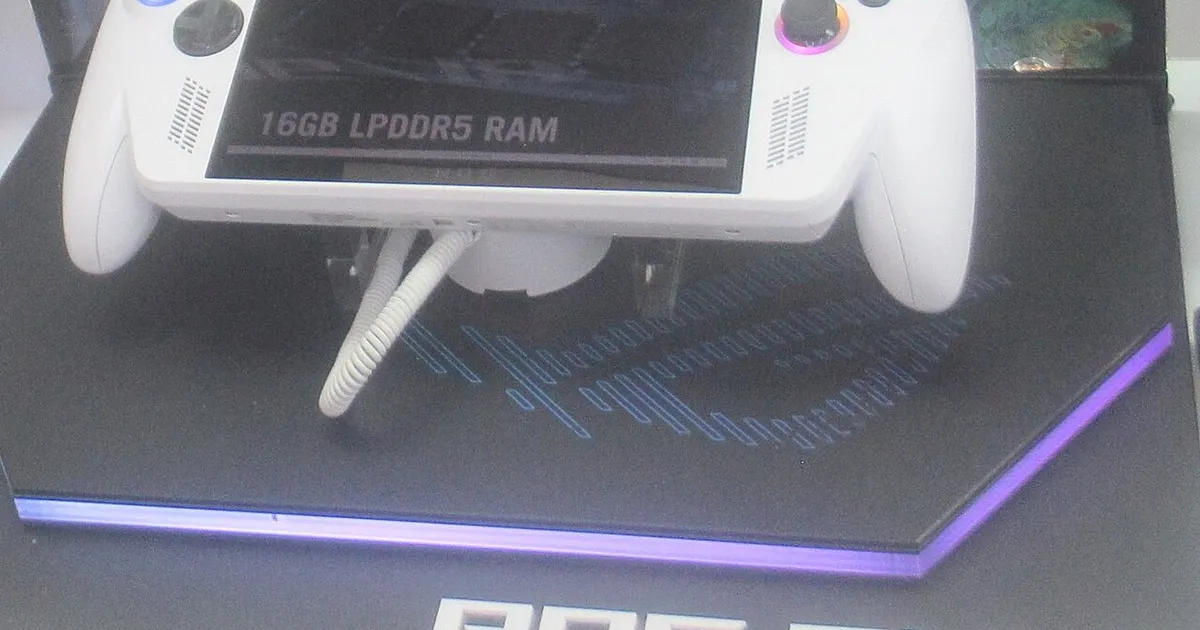
Photo by P1898 / Wikimedia Commons / CC BY 4.0
ASUS’s ROG Ally line represents a different philosophy than Steam Deck: rather than a custom Linux-based interface, it runs full Windows, which brings real advantages and real friction depending on what you want from a handheld.
What Sets Windows Handhelds Apart from Steam Deck
Because ROG Ally runs Windows rather than a console-style Linux distribution, it can install and run software from essentially any PC storefront — not just Steam, but other launchers and standalone game installers too — without the extra setup steps that non-Steam software sometimes requires on Steam Deck. That flexibility is genuinely valuable if your library is spread across multiple platforms. The tradeoff is that Windows wasn’t originally designed for a small handheld touchscreen, so background processes, update prompts, and a desktop-oriented interface can intrude on the experience more than a purpose-built console UI would, at least until you spend some time configuring it.
Performance Modes and Power Trade-offs
Windows handhelds typically offer multiple performance modes that trade power draw for graphical performance, letting you push for higher frame rates when plugged in or on a fresh charge, and dial things back to stretch battery life on the go. Getting familiar with these modes — and adjusting them per game rather than leaving one setting for everything — makes a bigger difference to both battery life and perceived performance than almost any other single setting.
Storage and Expansion
Internal storage fills up quickly given how large modern PC game installs tend to be, and a microSD card slot is the standard way to add capacity after purchase. As with any handheld, faster storage generally means shorter load times, so it’s worth checking current specifications for exactly which storage configurations are available before buying, since running low on fast internal storage is one of the most common frustrations new owners report.
Who Should (and Shouldn’t) Buy One
A Windows handheld like ROG Ally makes the most sense if:
- Your PC game library spans multiple storefronts beyond just Steam.
- You want to run PC software beyond gaming occasionally — productivity apps, emulators, or other Windows-only tools.
- You’re comfortable doing some manual tweaking of settings, drivers, and background processes to get the experience running smoothly.
It’s a less natural fit if you want something that works like a console the moment you turn it on with minimal fiddling — Steam Deck’s more curated, console-like interface tends to suit that preference better, even though the underlying hardware categories are similar.
Bottom Line
ROG Ally trades some out-of-the-box simplicity for broader software compatibility and the flexibility of full Windows. If that flexibility matters to your specific library and habits, it’s a strong option; if you’d rather not manage a Windows environment on a handheld, it’s worth comparing carefully against more console-like alternatives before deciding.
Our picks: ROG Ally
Shop on Amazon
Affiliate links.As an Amazon Associate I earn from qualifying purchases. Links below go to Amazon; prices and availability change, so check Amazon for current pricing.Affiliate disclosure
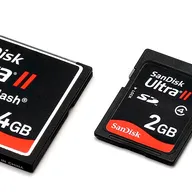
Illustrative photos: Photo by P1898 / Wikimedia Commons / CC BY 4.0; Photo by Evan-Amos / Wikimedia Commons / Public domain