Xbox Game Pass Explained: How It Works and Whether It's Worth It
A plain-language look at how Xbox Game Pass tiers work, where the subscription actually saves money, and where it doesn't.
A plain-language look at how Xbox Game Pass tiers work, where the subscription actually saves money, and where it doesn't.
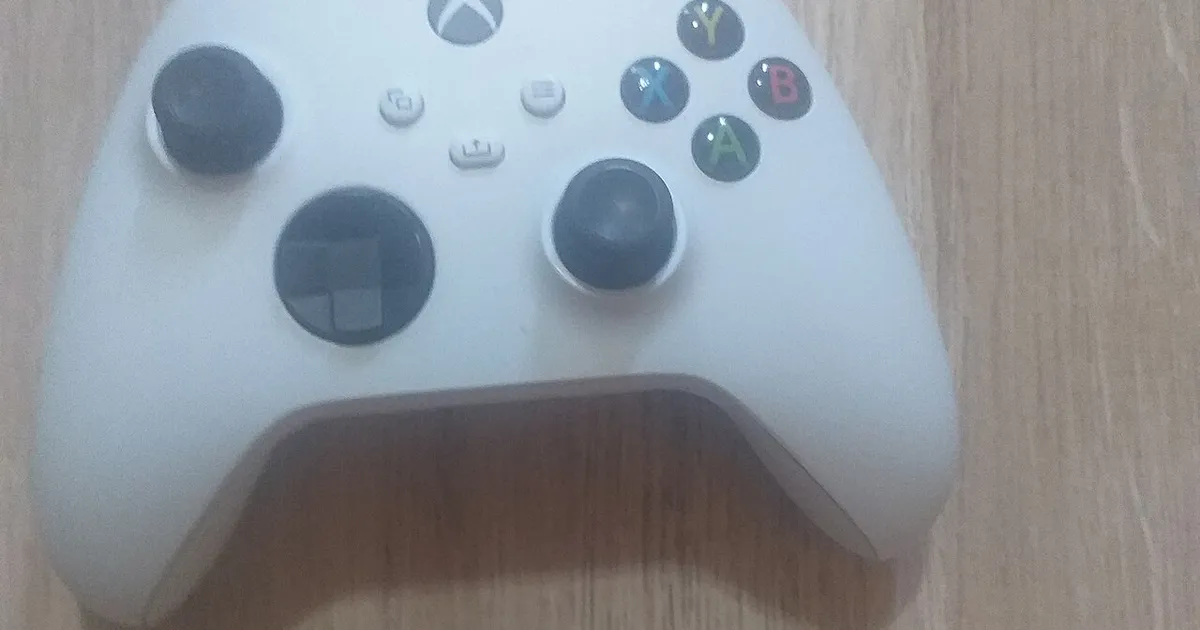
Photo by Microsoft / Wikimedia Commons / CC BY-SA 4.0
Xbox Game Pass gets pitched as one of the best deals in gaming, and for a lot of players it genuinely is — but it’s not automatically the right fit for everyone’s habits or budget. Here’s how it actually works.
What Game Pass Actually Includes
At its core, Game Pass is a rotating subscription library: instead of buying games individually, you pay a recurring fee for access to a catalog of titles that changes over time, with games regularly added and occasionally removed. Many first-party Xbox releases land in the catalog on their release day, which is a meaningful difference from subscription services on other platforms where new releases usually aren’t included at launch. Beyond the library, most tiers also include some form of member discounts on games and add-on content you buy outright.
Console, PC, and Cloud Tiers
Game Pass is offered in different tiers, generally split by platform access: some tiers are console-only, some are PC-only, and higher tiers bundle both together along with cloud streaming access that lets you play supported titles on a phone, tablet, or browser without installing anything locally. Cloud play is genuinely useful for playing on the go or trying a game before committing to a full download, but it depends heavily on a stable internet connection — on a poor connection, input lag and streaming artifacts can make fast-paced games frustrating.
Some tiers also bundle in a separate online multiplayer subscription needed for playing certain multiplayer games on console, so check exactly what a given tier includes before assuming multiplayer access is automatically covered.
Where It Saves You Money (and Where It Doesn’t)
Game Pass tends to be the best value for players who like trying lots of different games, play a lot of first-party titles, or don’t mind games leaving the catalog occasionally. If you mostly play one or two games for hundreds of hours each — particularly live-service or competitive multiplayer titles that often aren’t in the catalog at all — a subscription can end up costing more over a year than just buying the handful of games you actually play.
It’s also worth remembering that Game Pass access is rental-like: if you cancel, you lose access to catalog titles, even ones you’d played extensively. Anything you specifically want to own long-term, especially at a discount through member pricing, is worth buying outright rather than relying on catalog access alone.
Tips for Getting More Value
- Check the current catalog before subscribing to confirm it includes games you’re actually interested in right now, not just historically.
- Use member discounts to buy games you want to keep permanently, rather than only playing them through the subscription.
- If you play primarily on one platform, don’t pay for a tier that also covers a platform you don’t use.
- Set a calendar reminder to reassess after a few months — subscription value depends heavily on what’s currently in the catalog, and that changes.
Bottom Line
Game Pass is a strong deal for players with varied tastes who enjoy discovering new games, less so for players locked into one or two specific multiplayer titles. Match the tier to the platforms you actually use, and treat the catalog as a rotating library rather than a permanent collection.
Our picks: Xbox
Shop on Amazon
Affiliate links.As an Amazon Associate I earn from qualifying purchases. Links below go to Amazon; prices and availability change, so check Amazon for current pricing.Affiliate disclosure

Illustrative photos: Photo by Der. Bellemer / Wikimedia Commons / CC BY-SA 4.0; Photo by Microsoft / Wikimedia Commons / CC BY-SA 4.0; Photo by Evan-Amos / Wikimedia Commons / Public domain