How to Know a Gaming Monitor Sale Is Actually Worth It
Monitor discounts are easy to misjudge without checking specs and price history. Here is how to evaluate whether a sale price is genuinely good.
Main page for monitors: Gaming Monitors →
Monitor discounts are easy to misjudge without checking specs and price history. Here is how to evaluate whether a sale price is genuinely good.
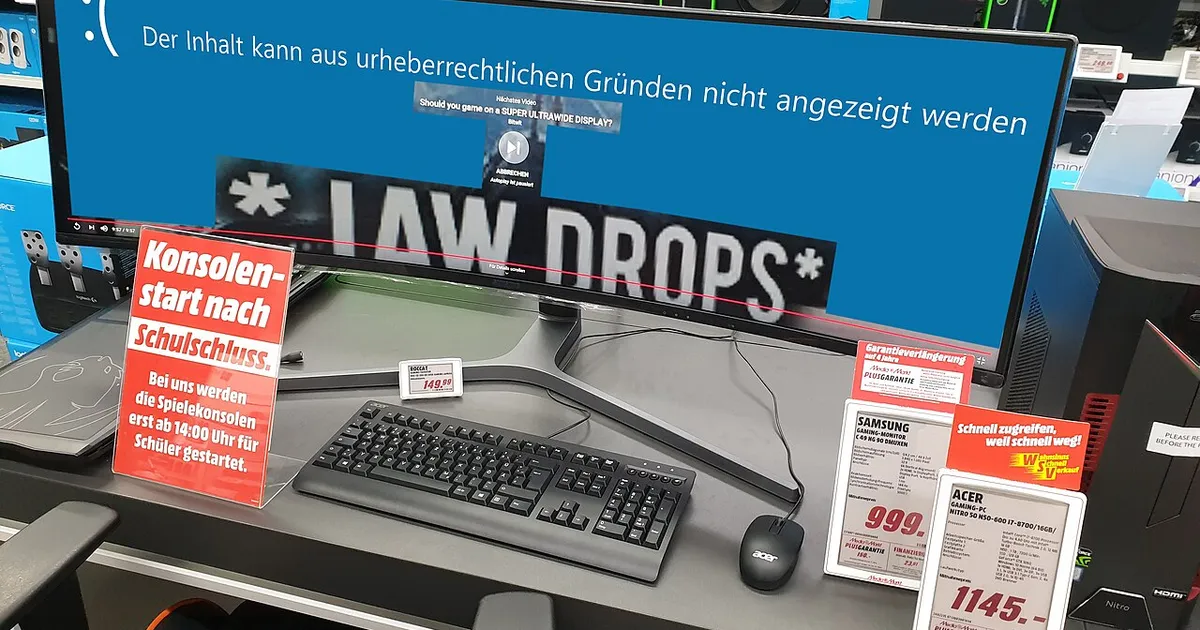
Photo by PantheraLeo1359531 / Wikimedia Commons / CC BY 4.0
A gaming monitor is a purchase most people make once every several years, which means most shoppers don’t have a strong intuition for what a given panel “should” cost. That makes monitors an easy category for inflated “was” prices to look convincing. Before treating any discount as a reason to buy, it’s worth learning how to actually evaluate the offer.
Check the Exact Panel Specs, Not the Marketing Name
Monitor model numbers and marketing names can be reused or tweaked across very similar-looking panels with meaningfully different specs. Before comparing prices, confirm the exact panel type (IPS, VA, TN, OLED), resolution, refresh rate, response time, and HDR certification level on the specific model in the listing — not a similarly named model you remember reading about. A monitor that looks like a steep discount on a well-reviewed model is a bad deal if it’s actually a lower-spec variant with a nearly identical name.
Use Price History Instead of the Retailer’s Own Comparison
Independent price-tracking tools that log a product’s price across time and across retailers are far more reliable than a single retailer’s “compare at” number, which they set themselves. Pull up the monitor’s price history if you can find it. If today’s “sale” price matches what the monitor has cost for the past several weeks or months, the discount badge is misleading — you’re just seeing its normal price with a label on it.
Understand Where the Monitor Sits in Its Product Cycle
Monitor panel technology moves in generational waves too, particularly for OLED and high-refresh-rate gaming panels, where each new generation tends to bring improvements in brightness, burn-in resistance, or response time. A steep discount on an older-generation panel can be a legitimately good deal if the improvements in the newer generation don’t matter much for your use case — but if you specifically want the latest panel technology, a discount on the outgoing generation isn’t really the deal it appears to be relative to what you actually want.
Read the Return Policy Before You Buy — Especially for OLED
Monitors are one of the higher-friction categories to return because of size, packaging, and the risk of dead pixels or panel uniformity issues that only show up after setup. Before buying on sale, confirm:
- The length of the return window and whether “dead pixel policies” apply (some manufacturers only replace a unit above a certain number of dead or stuck pixels).
- Whether the warranty covers burn-in specifically, which matters more for OLED panels than LCD.
- Who covers return shipping for a large, heavy item if it needs to go back.
Don’t Let Flash-Sale Urgency Skip Your Research
Monitor sales are frequently time-boxed with countdown timers, which pressure you to skip exactly the research above. A genuinely good price on a specific, well-reviewed panel will generally still be reasonably priced a few days later, or matched at a similar level by a competing retailer. If a deal only feels urgent because of a countdown clock, treat that as a reason to double-check the specs and price history, not a reason to buy immediately.
Quick Evaluation Checklist
- Confirm exact panel type, resolution, refresh rate, and HDR spec on the specific listing.
- Check price history rather than trusting the retailer’s own “was” price.
- Consider whether a newer panel generation is close enough to matter for your needs.
- Review the return policy and dead-pixel/burn-in warranty terms.
- Resist countdown-timer urgency long enough to actually verify the above.
A monitor deal that holds up under this kind of scrutiny is worth taking. One that only looks good under a flashing “50% off” badge usually isn’t.
Our picks: Gaming monitors
Shop on Amazon
Affiliate links.As an Amazon Associate I earn from qualifying purchases. Links below go to Amazon; prices and availability change, so check Amazon for current pricing.Affiliate disclosure
ASUS TUF Gaming VG27AQ
Popular 1440p high-refresh monitor that rarely disappoints.
Check price on Amazon



Illustrative photos: Photo by Lennybird / Wikimedia Commons / CC BY-SA 3.0; Photo by PantheraLeo1359531 / Wikimedia Commons / CC BY 4.0; Photo by Terabass / Wikimedia Commons / CC BY-SA 3.0