Cable Sleeves, Raceways and Adhesive Clips: Hiding Cables Above and Below the Desk
Which cable-management products suit which jobs, from sleeves that bundle monitor cables to raceways that hide wall runs, and how to install them so they stay put.
Which cable-management products suit which jobs, from sleeves that bundle monitor cables to raceways that hide wall runs, and how to install them so they stay put.
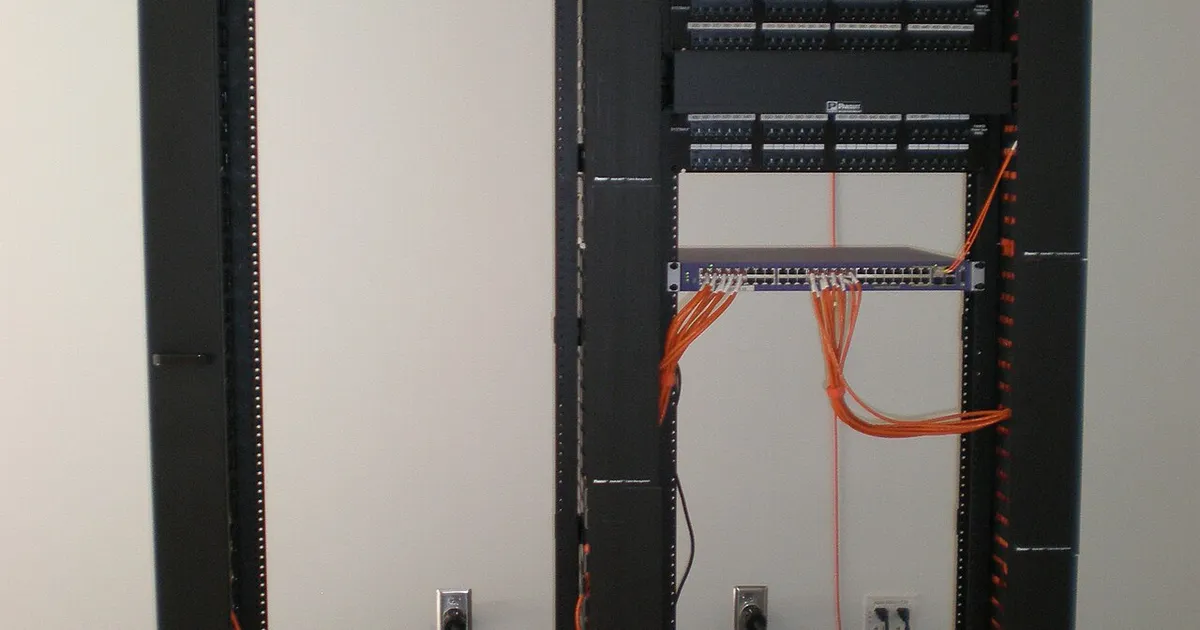
Photo by BrokenSphere / Wikimedia Commons / CC BY-SA 3.0
Affiliate links.As an Amazon Associate I earn from qualifying purchases. Links below go to Amazon; prices and availability change, so check Amazon for current pricing.Affiliate disclosure
Most gaming desks have the same cable problem: monitor, PC, speaker and lighting cables hanging in a loose bundle behind the desk. Three simple products solve most of it.
Cable sleeves: bundle what moves together
A cable management sleeve wraps several cables into one neat tube. It’s ideal for the run from the desk to the PC or wall, especially on standing desks, where cables need to move. Zip-up and split-braid sleeves let you add or remove a cable later.
Raceways: hide runs along walls and desks
A J channel cable raceway sticks under the back edge of the desk and holds cables out of sight. Wall raceways, such as a paintable cable raceway, hide cables running down a wall to an outlet.
Adhesive clips: route single cables
Adhesive cable clips hold individual cables along the edge or underside of the desk: a charging cable that needs to reach the front, or a USB cable for a controller.
Installation tips
- Clean the surface with isopropyl alcohol before sticking anything on. Adhesive fails on dust and grease.
- Press firmly and wait several hours before loading the clip or raceway. Many adhesives take a day to reach full strength.
- Leave slack where cables connect to devices, so they can move without pulling.
- Label both ends of each cable with tape or labels for easy swaps later.
Bottom line
Use sleeves for bundles that move, raceways for fixed runs, and clips for single cables. Clean surfaces first so the adhesive holds.
Our picks: Cable management
Shop on Amazon
Affiliate links.As an Amazon Associate I earn from qualifying purchases. Links below go to Amazon; prices and availability change, so check Amazon for current pricing.Affiliate disclosure
Illustrative photos: Photo by BrokenSphere / Wikimedia Commons / CC BY-SA 3.0