Essential Desk Accessories to Upgrade Your Gaming Setup
A practical look at the desk accessories that genuinely improve comfort and function in a gaming setup, beyond the core chair, desk, and monitor.
A practical look at the desk accessories that genuinely improve comfort and function in a gaming setup, beyond the core chair, desk, and monitor.
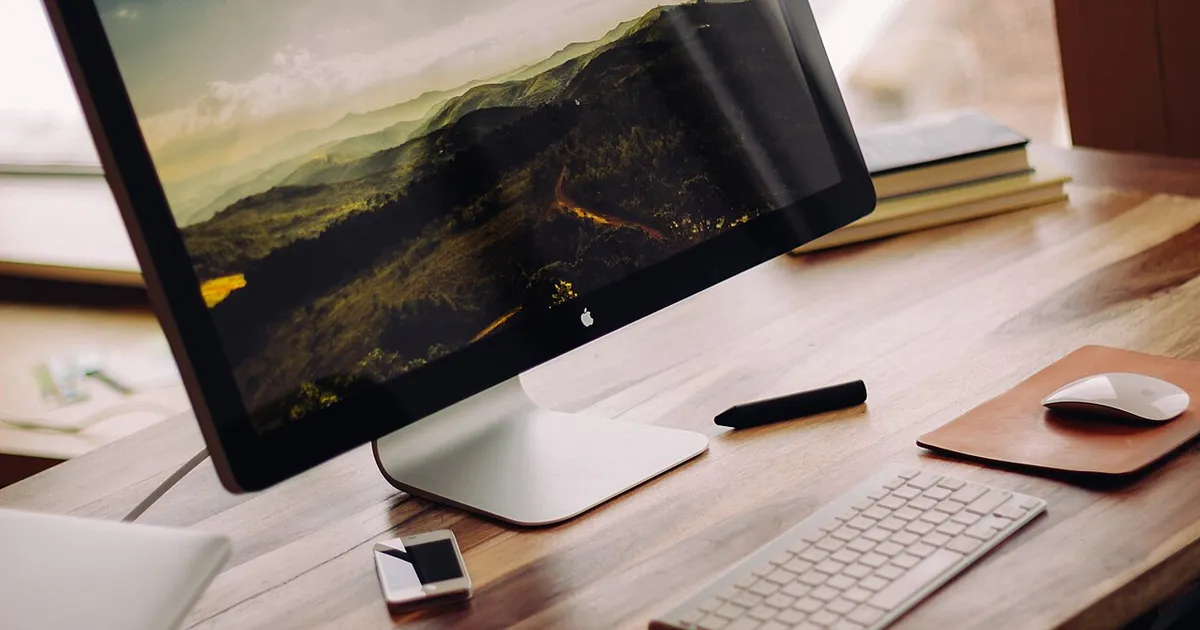
Photo by Luke Chesser / Wikimedia Commons / CC0
Once the big-ticket items — chair, desk, monitor — are sorted, a handful of smaller accessories do most of the remaining work to make a setup feel genuinely functional rather than just assembled. Here’s what actually earns a spot on the desk, and what to look for in each.
Wrist Rests
A wrist rest supports your wrists at a neutral, straight angle while typing or mousing, reducing the strain of resting wrists on a hard desk edge for hours. Look for a rest with enough padding to noticeably cushion the wrist without being so thick it forces an upward angle at the hands — the goal is a straight line from forearm to hand, not a raised wrist. Memory foam and gel-filled options both work well; the better choice comes down to personal firmness preference.
Headset Stands
A headset stand keeps your headset off the desk surface, protecting the ear cushions and headband from unnecessary wear while keeping it within easy reach. Beyond the practical benefit, a stand also reduces desk clutter meaningfully, since a headset lying flat takes up more visible space than one lifted vertically. Some stands include integrated USB hubs or charging capability, which is worth considering if desk outlet or port access is limited.
Cable Management Accessories
Covered in more depth elsewhere on this site, basic cable clips, sleeves, and a cable tray genuinely change how a desk looks and feels day to day, and they’re inexpensive relative to the visual impact.
Desk Organizers and Trays
A small tray or organizer for pens, notes, or small items keeps loose objects from accumulating directly on the desk surface. This matters more than it sounds for setups that also handle non-gaming tasks — mail, notes, chargers — since a dedicated small-item space prevents that clutter from spreading across the whole desk.
Monitor-Mounted or Desk-Clamp Shelves
A small shelf, either monitor-mounted above the screen or desk-clamped to the side, adds usable surface area without expanding the desk’s actual footprint. These work well for items you want visible and reachable but not sitting directly on the main work surface — a phone, small speakers, or a webcam.
Under-Desk Accessories
A footrest can improve seated posture if your desk or chair height means your feet don’t sit flat on the floor, and an under-desk cable tray or power strip mount (also covered in our cable management guide) keeps the space below the desk from becoming a tangled catch-all.
Lighting Accessories
A small desk lamp for task lighting, separate from any ambient RGB or bias lighting, is worth having for reading physical materials, note-taking, or simply having controllable direct light independent of your screen-focused ambient setup.
Prioritizing What to Buy First
Not every accessory here is essential for every setup — prioritize based on your actual pain points. If wrist comfort during long sessions is an issue, start with a wrist rest. If desk clutter is the main frustration, prioritize cable management and an organizer before anything else. If your headset is constantly getting knocked off the desk or has visible wear, a stand solves that specific problem directly.
The Bottom Line
Accessories are where a setup goes from “functional” to genuinely comfortable and organized day to day. None of them are dramatic upgrades individually, but together they remove the small frictions that add up over repeated daily use.
Our picks: Desk accessories
Shop on Amazon
Affiliate links.As an Amazon Associate I earn from qualifying purchases. Links below go to Amazon; prices and availability change, so check Amazon for current pricing.Affiliate disclosure

Illustrative photos: Photo by Raimond Spekking / Wikimedia Commons / CC BY-SA 4.0; Photo by Luke Chesser / Wikimedia Commons / CC0