How to Choose the Right Desk Mat Size and Material
A guide to picking desk mat dimensions, surface material, and thickness so it actually suits your desk, mouse, and typing feel.
A guide to picking desk mat dimensions, surface material, and thickness so it actually suits your desk, mouse, and typing feel.
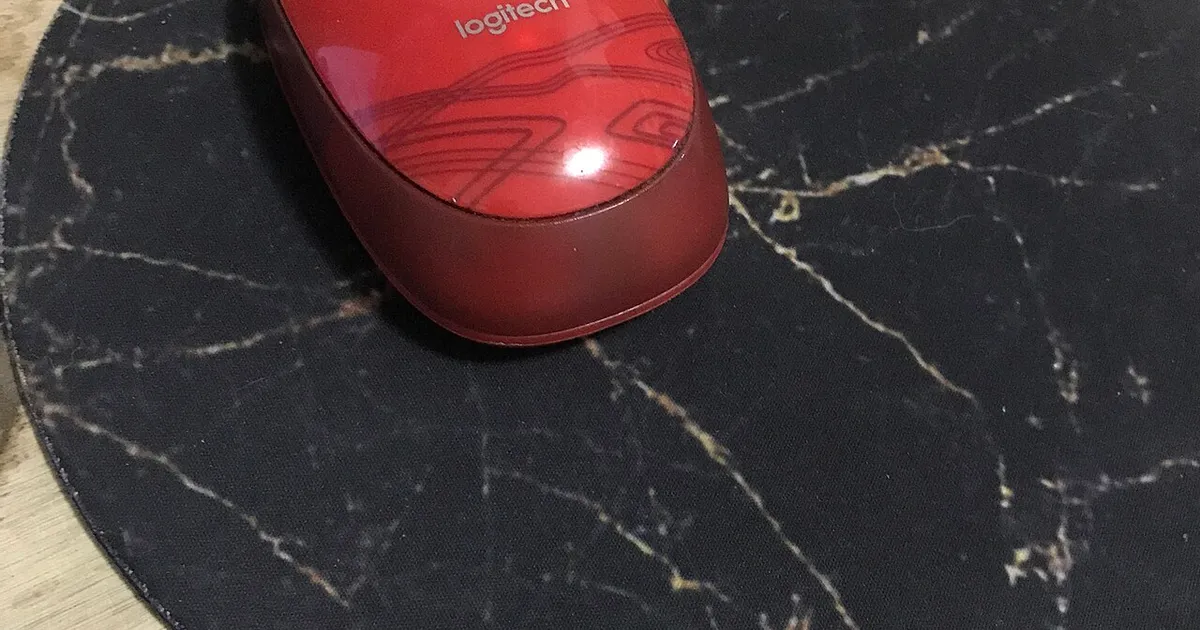
Photo by mycurrency.com / Wikimedia Commons / CC BY-SA 4.0
A desk mat is one of the simplest upgrades you can make to a setup, but “just buy a big mouse pad” undersells how much size, material, and surface texture actually affect daily comfort and function. Here’s how to think through the choice properly.
Sizing: Cover What You Actually Use
Desk mats generally come in a few broad size categories: compact (roughly keyboard-and-mouse width), extended (spanning most of a standard desk), and full-desk (covering the entire surface edge to edge). The right size depends on what you want it to protect and unify visually.
Measure your desk width and decide how much of it you want covered — an extended mat that leaves a few inches of bare desk on either side still looks intentional, while one that’s noticeably too small for the desk can look like an afterthought. If you want a completely uniform surface with no visible desk material peeking through, measure carefully and consider a full-desk mat, checking the exact dimensions against your desk rather than assuming “large” fits your specific desk.
Material: What It’s Actually Made Of
Most desk mats use a fabric top layer bonded to a rubber base, but the specific fabric weave changes how it feels and performs:
- Cloth/fabric surface: softer feel, generally offers more friction/control for mouse movement, and tends to be the most common choice for a comfortable typing and mousing surface.
- Hybrid or coated surfaces: blend fabric texture with a smoother coating for faster glide, aimed at users who prioritize quick mouse movement over maximum control.
- Leather or leather-look surfaces: a firmer, smoother, more “desk accessory” aesthetic, often chosen more for looks and easy wipe-down than gaming performance, with a different glide feel than cloth.
If you’re primarily choosing based on mouse feel, cloth mats are the safer default — they’re the most common surface used specifically for mouse control and tend to work well across a wide range of sensitivity settings and mouse types.
Thickness and Base
Thickness affects both feel and function. Thin mats (a few millimeters) sit close to the desk and barely change your wrist angle when typing, while thicker mats provide more cushioning but can create a slight height difference at the desk edge that some people notice while typing. A non-slip rubber base is worth checking for regardless of thickness — a mat that shifts around during use undermines the whole point of a stable surface.
Stitched Edges Matter More Than You’d Think
Cheap desk mats without stitched or sealed edges tend to fray over time, especially at corners that get more contact from wrists and forearms. A stitched edge adds real durability and is worth prioritizing even on a budget mat.
Matching the Mat to Your Setup’s Look
Beyond function, a desk mat is one of the easiest ways to visually unify a setup — it sits under your keyboard, mouse, and often other peripherals, so its color and pattern set a tone for the whole desk. Neutral tones (black, gray, beige) are the safest choice for blending with varied peripherals and lighting, while patterned or brightly colored mats work well if you’re building around a specific aesthetic and want the mat itself to be a visual anchor.
A Quick Buying Checklist
- Have you measured your desk and picked a size that matches your coverage goal?
- Does the surface material match how you want your mouse to feel (control vs glide)?
- Is there a non-slip base to keep it in place?
- Are the edges stitched or sealed for durability?
- Does the color/pattern fit the rest of your setup?
Getting these basics right turns a desk mat from a minor accessory into a genuine daily-comfort upgrade.
Our picks: Mouse pads & desk mats
Shop on Amazon
Affiliate links.As an Amazon Associate I earn from qualifying purchases. Links below go to Amazon; prices and availability change, so check Amazon for current pricing.Affiliate disclosure
Illustrative photos: Photo by mycurrency.com / Wikimedia Commons / CC BY-SA 4.0; Photo by Jacek Halicki / Wikimedia Commons / CC BY-SA 4.0