Competitive Gear Explained: 540Hz Monitors, 8K Polling and Rapid Trigger
What the newest competitive-gaming features actually do, when they help, and gear like the ZOWIE XL2586X and ASUS ROG Swift Pro PG248QP that uses them.
Main page for competitive gaming: Esports →
What the newest competitive-gaming features actually do, when they help, and gear like the ZOWIE XL2586X and ASUS ROG Swift Pro PG248QP that uses them.
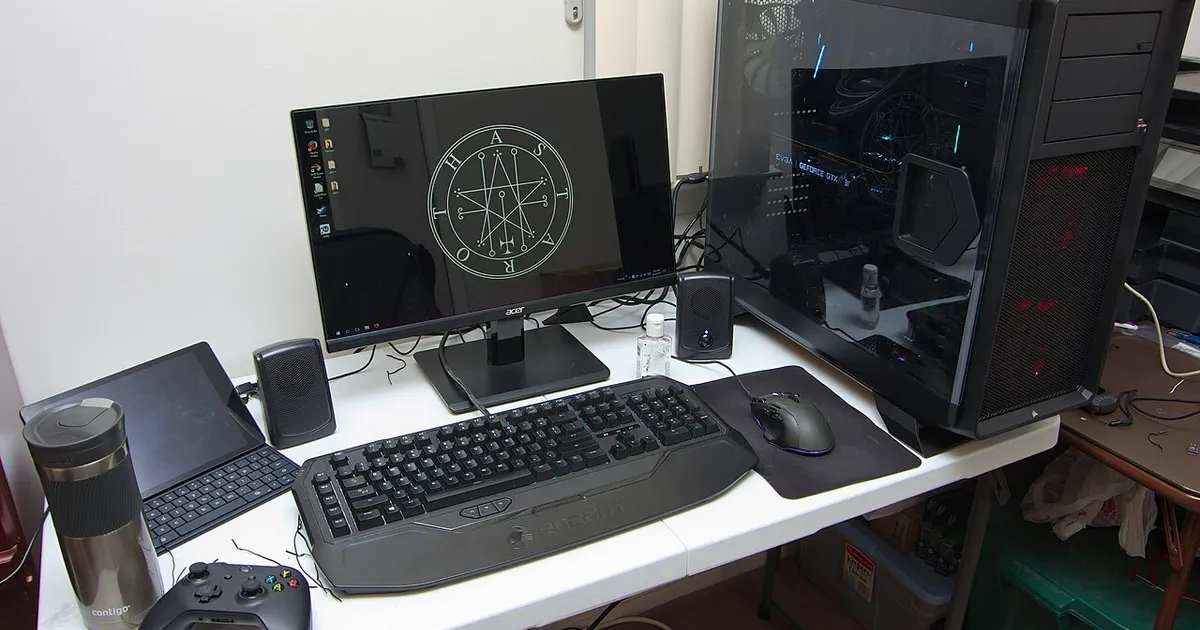
Photo by Brian Wong / Wikimedia Commons / CC BY-SA 2.0
Affiliate links.As an Amazon Associate I earn from qualifying purchases. Links below go to Amazon; prices and availability change, so check Amazon for current pricing.Affiliate disclosure
Competitive gear keeps pushing numbers higher: monitors above 500Hz, mice polling at 8000Hz, keyboards with adjustable actuation. Some of these features make a real difference at a high level; others mostly matter once everything else is right. Here’s what each one does.
Very high refresh rate monitors
Monitors such as the BenQ ZOWIE XL2586X and the ASUS ROG Swift Pro PG248QP run at around 540Hz on fast TN panels. A higher refresh rate shows each frame for less time, which makes motion clearer and reduces the delay before you see a change.
But you only benefit if your PC can render that many frames. In esports titles like Counter-Strike 2 or Valorant, high-end PCs can, at low settings. In most other games they can’t, and a 240Hz or 360Hz monitor is the better fit.
8000Hz polling
Polling rate is how often the mouse reports its position: 1000Hz is once per millisecond, and 8000Hz is eight times per millisecond. Mice such as the Razer Viper V3 Pro support 8000Hz with a compatible receiver. The benefit is smoother cursor movement on very high refresh rate monitors. The costs are more CPU load and shorter battery life. If you see stutter at 8000Hz, drop to 2000 or 4000Hz.
Rapid trigger keyboards
Magnetic-switch keyboards such as the SteelSeries Apex Pro TKL let a key reset as soon as it starts to rise. In tactical shooters that rely on precise stopping and starting (counter-strafing), this makes movement more responsive. Some games and tournaments restrict related features, such as SOCD handling, so check the rules.
What matters more
- Stable frame rates: a steady 240 FPS feels better than an unstable 400.
- Low system latency: NVIDIA Reflex or AMD Anti-Lag in supported games.
- A wired network connection.
- Practice: aim trainers and deliberate practice improve results more than any gear.
Bottom line
Very high refresh rate, high polling and rapid trigger help at the top end, if your PC can keep up. Get the basics right first.
Our picks: Competitive gear
Shop on Amazon
Affiliate links.As an Amazon Associate I earn from qualifying purchases. Links below go to Amazon; prices and availability change, so check Amazon for current pricing.Affiliate disclosure


Illustrative photos: Photo by Jacek Halicki / Wikimedia Commons / CC BY-SA 4.0; Photo by PantheraLeo1359531 / Wikimedia Commons / CC BY 4.0; Photo by Anirban Saha / Wikimedia Commons / CC BY-SA 4.0; Photo by Zephyris at English Wikipedia / Wikimedia Commons / CC BY-SA 3.0