Improving Your Stream Quality Without Buying New Gear
Software tuning, workflow changes, and free adjustments that can noticeably improve stream quality before you spend money on new equipment.
Main page for streaming: Streaming Gear →
Software tuning, workflow changes, and free adjustments that can noticeably improve stream quality before you spend money on new equipment.
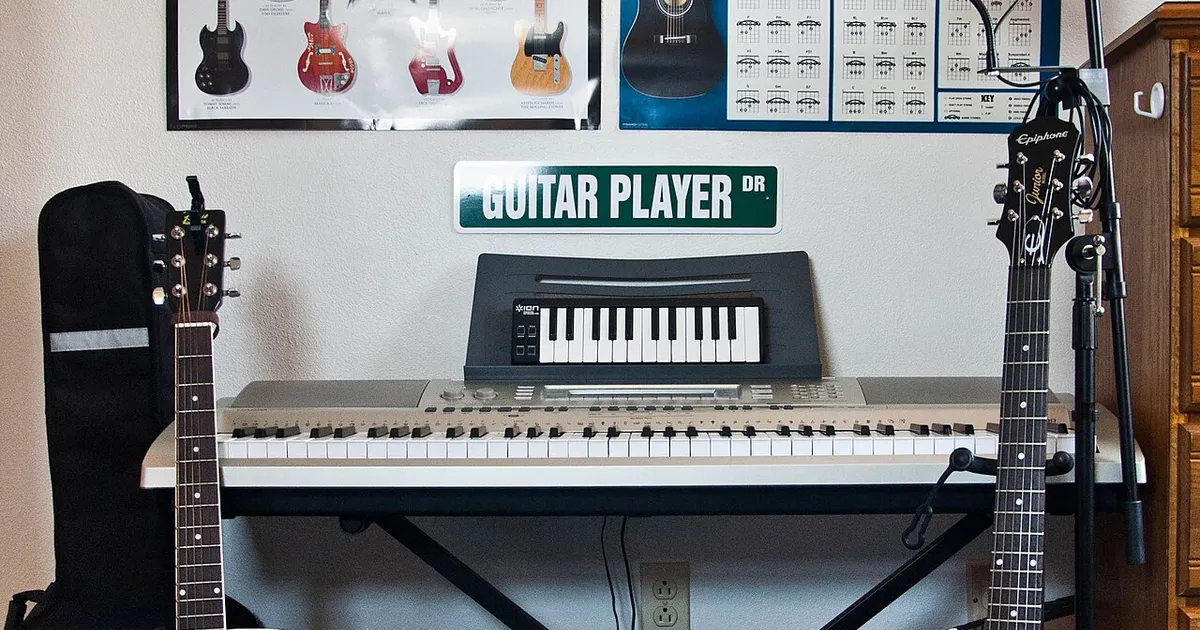
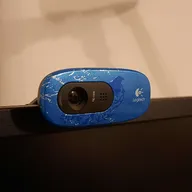
Photo by Alexis Fam from Madison, United States / Wikimedia Commons / CC BY 2.0
When a stream looks or sounds worse than you’d like, the instinct is often to assume new equipment is the answer — a better microphone, a better webcam, a better capture setup. In practice, a lot of stream quality comes down to configuration rather than hardware, and there’s usually meaningful room to improve before spending anything. Here’s where to look first.
Audio Settings Before Audio Hardware
Most existing microphones — even basic ones — sound noticeably better once levels, noise suppression, and placement are properly configured. Before assuming your microphone itself is the problem, check that input levels are neither too quiet nor clipping, that any built-in noise suppression or gate settings are actually enabled and reasonably tuned, and that the microphone is positioned close enough and consistently enough to your mouth. A cheap microphone correctly configured and well positioned frequently sounds better than an expensive one used carelessly.
Revisit Your Encoding Settings
Streaming software offers a range of encoding options that trade quality, CPU or GPU load, and bandwidth requirements against each other, and defaults aren’t always well matched to your specific hardware or connection. It’s worth reviewing your bitrate relative to your actual upload bandwidth — set too high, it causes buffering and dropped frames for viewers; set too conservatively, it leaves quality on the table your connection could actually support. Similarly, check whether you’re encoding using your CPU or GPU, and whether that choice is competing with the resources your game itself needs — moving encoding load off a component the game depends on heavily can improve both stream and gameplay smoothness.
Lighting Changes the Perceived Quality of Any Camera
If you use a webcam, lighting has an outsized effect on how good the footage looks, often more than the camera itself. A webcam in a dim or backlit room looks grainy and low quality regardless of its actual resolution, while the same camera in even, front-facing light looks noticeably sharper and more color-accurate. Repositioning your webcam relative to existing light sources, or simply facing a window or lamp rather than having it behind you, is a free change that often has a bigger visible impact than a camera upgrade would.
Clean Up Your Scene and Reduce Visual Clutter
Overlays, alerts, and widgets accumulated over time can make a stream feel busy and can distract from your gameplay rather than enhancing it. Periodically reviewing your scene layout and removing elements that no longer serve a clear purpose — or that overlap and compete for viewer attention — is a free change that can make the whole stream feel more polished, independent of any hardware.
Test and Compare Deliberately
It’s hard to judge whether a change actually helped just from memory. Recording short before-and-after test clips when you adjust audio or encoding settings, and comparing them directly, gives you a much clearer sense of whether a change was actually an improvement rather than relying on impression alone. This habit also helps you avoid reversing a genuinely good change later because you’ve forgotten why you made it.
A Free Quality-Improvement Checklist
- Microphone levels, noise suppression, and positioning reviewed and tuned.
- Bitrate matched realistically to your actual upload bandwidth.
- Encoding load balanced against what your game needs from the same hardware.
- Webcam lighting adjusted for even, front-facing light if you’re on camera.
- Scene layout reviewed and simplified where it’s grown cluttered over time.
Working through these adjustments costs nothing beyond time, and for most streamers it closes a meaningful part of the gap between their current setup and a noticeably more polished stream — before any new equipment enters the conversation at all.
Our picks: Streaming gear & Microphones
Shop on Amazon
Affiliate links.As an Amazon Associate I earn from qualifying purchases. Links below go to Amazon; prices and availability change, so check Amazon for current pricing.Affiliate disclosure
Illustrative photos: Photo by Alexis Fam from Madison, United States / Wikimedia Commons / CC BY 2.0; Photo by Evan-Amos / Wikimedia Commons / Public domain; Photo by TaurusEmerald / Wikimedia Commons / CC BY-SA 4.0; Photo by Peter Placzek / Wikimedia Commons / CC BY-SA 4.0