What Is a CPU or GPU Bottleneck, Really?
Bottleneck is one of the most overused words in PC gaming. Here is a clear, conceptual explanation of what it actually means and why every system has one.
Main page for cpus: CPUs →
Bottleneck is one of the most overused words in PC gaming. Here is a clear, conceptual explanation of what it actually means and why every system has one.
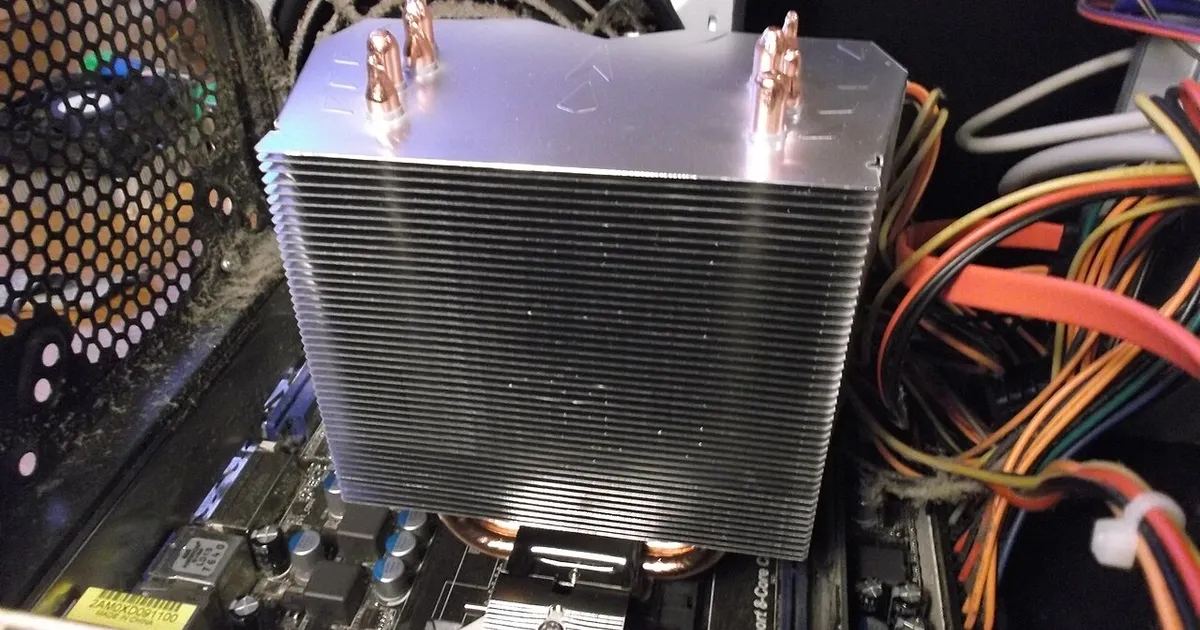
Photo by Blackcat / Wikimedia Commons / CC BY-SA 4.0
“Bottleneck” gets thrown around constantly in PC gaming discussions, often as a vague criticism — “your CPU is bottlenecking your GPU” — without much explanation of what that actually means. Once you understand the concept properly, it becomes a lot less mysterious, and a lot less alarming than it’s often made out to be.
Every system has a bottleneck, by definition
A bottleneck simply refers to whichever component is limiting overall performance at a given moment. Since a system is a chain of parts working together — CPU, GPU, memory, storage — one of them is always the one holding the others back, even if only slightly. That means “having a bottleneck” isn’t a defect; it’s just a description of how the system’s workload is distributed at that moment. The real question isn’t whether a bottleneck exists, but how severe it is and whether it’s costing you meaningful performance.
The CPU and GPU do genuinely different jobs
To understand a bottleneck between these two, it helps to remember what each one actually does. The CPU simulates the game world and prepares each frame’s instructions; the GPU takes those instructions and renders the final image. If the CPU can’t prepare frames fast enough, the GPU sits waiting, underused, no matter how powerful it is — that’s a CPU-side limitation. If the GPU can’t render fast enough to keep up with what the CPU is feeding it, the CPU ends up waiting instead — that’s a GPU-side limitation. Neither situation means a component is “broken”; it means one step in the chain is currently taking longer than the other.
Bottlenecks are relative, not absolute
A pairing that looks lopsided on paper — a very powerful graphics card next to a modest processor, for instance — isn’t automatically a problem, because the severity of a bottleneck depends heavily on what you’re doing with the system. At high resolution and demanding visual settings, the GPU tends to become the limiting factor regardless of the CPU, because there’s simply more rendering work per frame. At lower resolution or in CPU-intensive games, the same pairing might show the CPU as the clear limiter. This is why the phrase “bottlenecked by X” only means something in the context of a specific game and specific settings — it’s not a fixed property of the hardware combination.
Signs of a bottleneck aren’t always about raw FPS
A bottleneck doesn’t just lower the top-line frame rate — it can also show up as inconsistency. If the GPU is regularly finishing its work well before the CPU delivers the next frame’s data, you may see less stable frame pacing rather than just a flat lower number. This is one reason frame rate consistency, not only the average, is worth paying attention to when trying to judge whether a system is well balanced.
Why “eliminating” a bottleneck isn’t really the goal
Because every system has a limiting component by definition, the realistic goal isn’t removing bottlenecks entirely — it’s making sure the limiting component isn’t wasting the potential of the rest of the system by a wide margin. A system where the CPU and GPU are reasonably matched for your resolution and the games you play will feel balanced, even though, strictly speaking, one part is still technically the bottleneck at any given instant.
The practical takeaway
Understanding bottlenecks conceptually is more useful than trying to label your exact setup with a single verdict. It’s a dynamic relationship between components, shaped by resolution, settings, and the specific game — not a static grade a system either passes or fails.
Our picks: Processors & Graphics cards
Shop on Amazon
Affiliate links.As an Amazon Associate I earn from qualifying purchases. Links below go to Amazon; prices and availability change, so check Amazon for current pricing.Affiliate disclosure
NVIDIA GeForce RTX 5070 Ti
16GB card that handles high-refresh 1440p and entry 4K.
Check price on Amazon
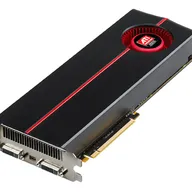
Illustrative photos: Photo by Myself User:ZyMOS / Wikimedia Commons / CC BY-SA 4.0; Photo by Timothy Borkowski / Wikimedia Commons / CC BY-SA 3.0; Photo by Jacek Halicki / Wikimedia Commons / CC BY-SA 4.0; Photo by Advanced Micro Devices, Inc. (AMD) / Wikimedia Commons / Attribution; Photo by Ondřej Martin Mach / Wikimedia Commons / CC BY-SA 3.0