Common Myths About FPS and Frame Rates, Debunked
From "more RAM always means more FPS" to ignoring 1% lows, here are the frame rate misconceptions that lead gamers to make the wrong upgrade decisions.
From "more RAM always means more FPS" to ignoring 1% lows, here are the frame rate misconceptions that lead gamers to make the wrong upgrade decisions.
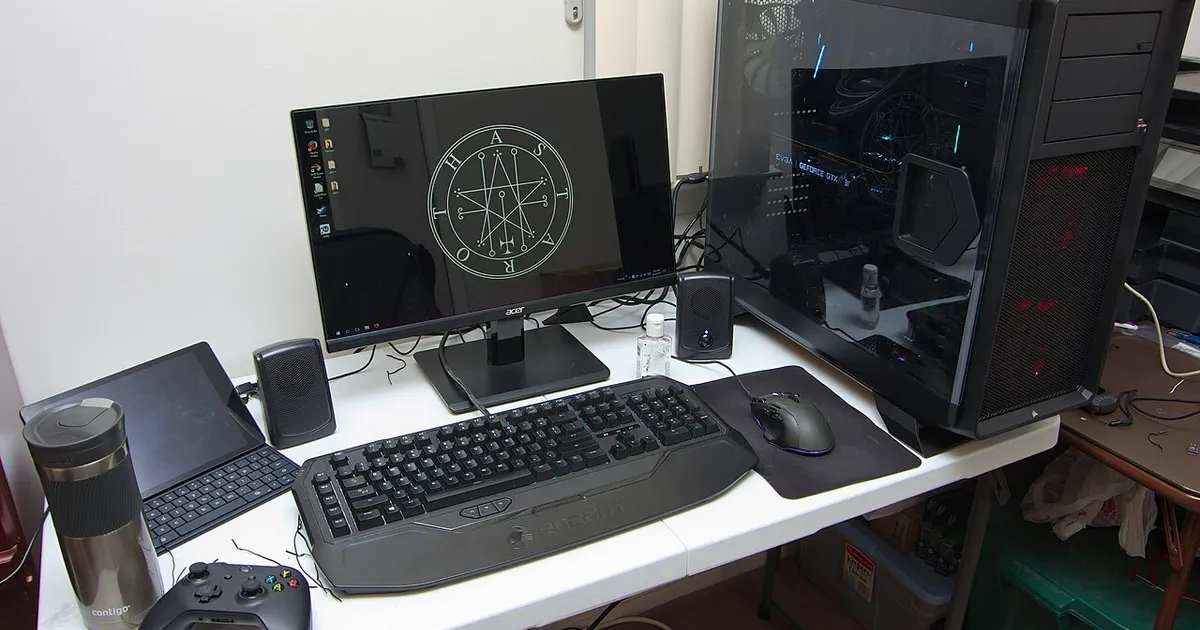
Photo by Brian Wong / Wikimedia Commons / CC BY-SA 2.0
Frame rate is one of the most discussed topics in PC gaming, which also makes it one of the most surrounded by half-true advice. A lot of upgrade decisions get made on the back of these misconceptions, often leading people to spend money on the wrong part of their system. Here are some of the most persistent myths, and the more accurate way to think about each one.
Myth: average FPS tells you how a game actually feels
Average frame rate is the number most commonly quoted, but it can hide a rough experience. A game that averages a healthy frame rate but dips sharply during demanding moments will feel worse to play than a game with a slightly lower average but a steadier line. This is why minimum FPS and “1% low” figures — which describe the worst moments rather than the typical ones — tend to matter more for how smooth a game actually feels than the average alone.
Myth: more RAM always means more FPS
Memory capacity matters up to a point — if a system doesn’t have enough RAM for a game and background applications, performance can suffer badly. But once you’re past that threshold, adding more capacity generally doesn’t increase frame rate, because the bottleneck has already moved elsewhere. RAM speed can have a smaller, more situational effect depending on the game and processor, but it’s not a lever that scales frame rate the way a GPU upgrade can.
Myth: a higher-end GPU always produces a proportionally higher FPS
Upgrading a graphics card only increases frame rate as much as the graphics card was actually the limiting factor to begin with. If the CPU was already struggling to keep up in a particular game, a faster GPU may sit partially idle, waiting on the CPU to finish preparing each frame. This is why some upgrades feel disappointing — the money went to the part of the system that wasn’t holding performance back.
Myth: FPS numbers transfer directly between games
Because different games place different demands on the CPU versus the GPU, a system that performs well in one game won’t necessarily perform proportionally well in another. A strategy game with many independent units active at once can be far more CPU-intensive than a visually similar game that features fewer active elements. Treating one game’s frame rate as a stand-in for “how the PC performs” in general ignores how different engines and workloads behave.
Myth: uncapped FPS is always better
Higher frame rates generally do reduce input lag and improve smoothness, but only up to what your monitor can actually display. Producing frames faster than your monitor’s refresh rate can display them doesn’t add any visible smoothness beyond that limit, and it can introduce visual tearing or waste power and thermal headroom for no visible benefit. Matching your expectations to your display’s actual refresh rate is a more useful frame than chasing the highest possible number.
Myth: settings only affect visual quality, not performance balance
Turning graphical settings up or down doesn’t just change how a game looks — it changes which part of your system is doing the most work. Lowering resolution and effects shifts load off the GPU, which can reveal a CPU limitation that wasn’t visible before. Raising them shifts load back onto the GPU. Settings are a way of tuning where the bottleneck sits, not just a visual quality slider.
Why these myths matter for upgrade decisions
Believing any of these can lead to spending on the wrong component, or being disappointed by an upgrade that should have worked. The common thread across all of them is that frame rate is a system-level outcome, shaped by how CPU, GPU, memory, display, and specific game demands interact — not a single stat that scales cleanly with any one purchase.
Our picks: Graphics cards
Shop on Amazon
Affiliate links.As an Amazon Associate I earn from qualifying purchases. Links below go to Amazon; prices and availability change, so check Amazon for current pricing.Affiliate disclosure
NVIDIA GeForce RTX 5070 Ti
16GB card that handles high-refresh 1440p and entry 4K.
Check price on AmazonNVIDIA GeForce RTX 5060 Ti 16GB
Budget-friendly 1080p/1440p pick; get the 16GB version.
Check price on Amazon
Illustrative photos: Photo by Timothy Borkowski / Wikimedia Commons / CC BY-SA 3.0; Photo by Advanced Micro Devices, Inc. (AMD) / Wikimedia Commons / Attribution