Membrane vs Mechanical Keyboards: Which Is Right for You?
A comparison of membrane and mechanical keyboard technology to help you decide which type actually fits your gaming habits and budget.
A comparison of membrane and mechanical keyboard technology to help you decide which type actually fits your gaming habits and budget.
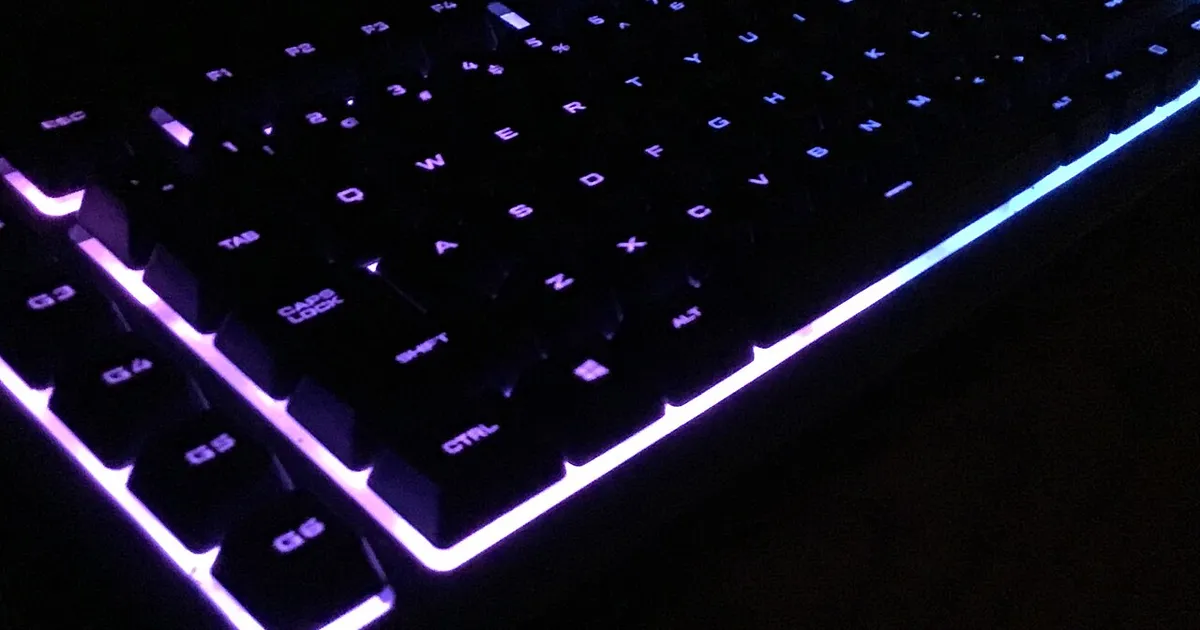
Photo by SolarMainframe / Wikimedia Commons / CC BY-SA 4.0
“Mechanical is always better” gets repeated so often in gaming circles that it’s treated as fact. It isn’t quite that simple. Membrane keyboards still make sense for a lot of people, and understanding the real differences will save you from overpaying for features you won’t use — or underpaying and regretting it during a long session.
How the two technologies differ
A membrane keyboard uses a rubber dome sheet under the keycaps. Pressing a key compresses the dome until it makes contact with a circuit layer below. It’s a simple, inexpensive design with few moving parts, which is why membrane keyboards dominate budget and pre-built office setups.
A mechanical keyboard uses individual spring-loaded switches under each key, as covered in switch-type guides elsewhere. Each key is a self-contained mechanism, which means more consistent feel, easier repairs (on hot-swappable boards), and generally longer lifespan.
Feel and responsiveness
This is where the gap is most noticeable. Membrane keys typically require you to press further down before the keystroke registers, and the mushy resistance of the rubber dome doesn’t give sharp feedback about when that happens. Mechanical switches, especially tactile or clicky ones, tell your finger exactly when a press has registered, and many mechanical switches actuate with a shorter travel distance. For fast-paced, input-heavy games, that difference can genuinely matter.
That said, the gap has narrowed. Higher-end membrane and “hybrid” keyboards use better dome materials and shorter travel distances to close some of that responsiveness gap, so don’t assume every membrane board feels the same.
Durability and long-term cost
Mechanical switches are commonly rated for tens of millions of keystrokes per switch, and because each key is independent, a single failing switch (on a hot-swappable board) can be replaced instead of forcing a full keyboard replacement. Membrane keyboards have shorter typical lifespans because the rubber domes degrade with heavy use and can’t be individually replaced — when one key starts failing, the whole board usually needs replacing.
If you type or game for hours daily, the better durability of a mechanical board can offset its higher upfront price over a few years. If you’re a light or occasional user, that math doesn’t apply as strongly.
Noise and shared spaces
Membrane keyboards are quieter by design — there’s no click mechanism and less structural resonance. If you live with roommates, have a shared office, or stream with an open mic, a quiet membrane board or a linear/silent mechanical switch keeps noise out of the equation. Clicky mechanical switches, by contrast, are audibly the loudest option on this list.
Price and where the money goes
Membrane keyboards are generally the cheaper entry point, which makes them a reasonable choice for a secondary setup, a couch/living-room PC, or anyone testing whether they even want a dedicated gaming keyboard. Mechanical keyboards carry a price premium tied to the individual switch mechanisms, higher-quality keycaps, and often extra features like per-key backlighting, programmable macros, or aluminum frames.
Which one should you actually buy?
- Choose membrane if: you’re on a tight budget, you type/game casually, noise is a concern, or you’re not sure gaming peripherals are worth investing in yet.
- Choose mechanical if: you play competitively or for long sessions, you want customizable feel and repairable hardware, or you simply prefer sharper tactile feedback.
- Consider hybrid boards that blend membrane-style quietness with mechanical-style actuation if you want a middle ground.
The honest answer is that plenty of people play well on both. Don’t let hardware become an excuse — a membrane board won’t stop you from improving, and a mechanical board won’t instantly make you better. Match the keyboard to your budget, your environment, and how many hours a day your fingers are actually on it.
Our picks: Keyboards
Shop on Amazon
Affiliate links.As an Amazon Associate I earn from qualifying purchases. Links below go to Amazon; prices and availability change, so check Amazon for current pricing.Affiliate disclosure


Illustrative photos: Photo by SolarMainframe / Wikimedia Commons / CC BY-SA 4.0; Photo by Anirban Saha / Wikimedia Commons / CC BY-SA 4.0