Ergonomic Office Chairs for Gaming: Herman Miller Vantum, Steelcase Series 2, Corsair TC500 Luxe and Razer Fujin Pro
Why many long-session gamers move from racing-style seats to ergonomic office chairs, and four chairs that bridge the two styles.
Why many long-session gamers move from racing-style seats to ergonomic office chairs, and four chairs that bridge the two styles.
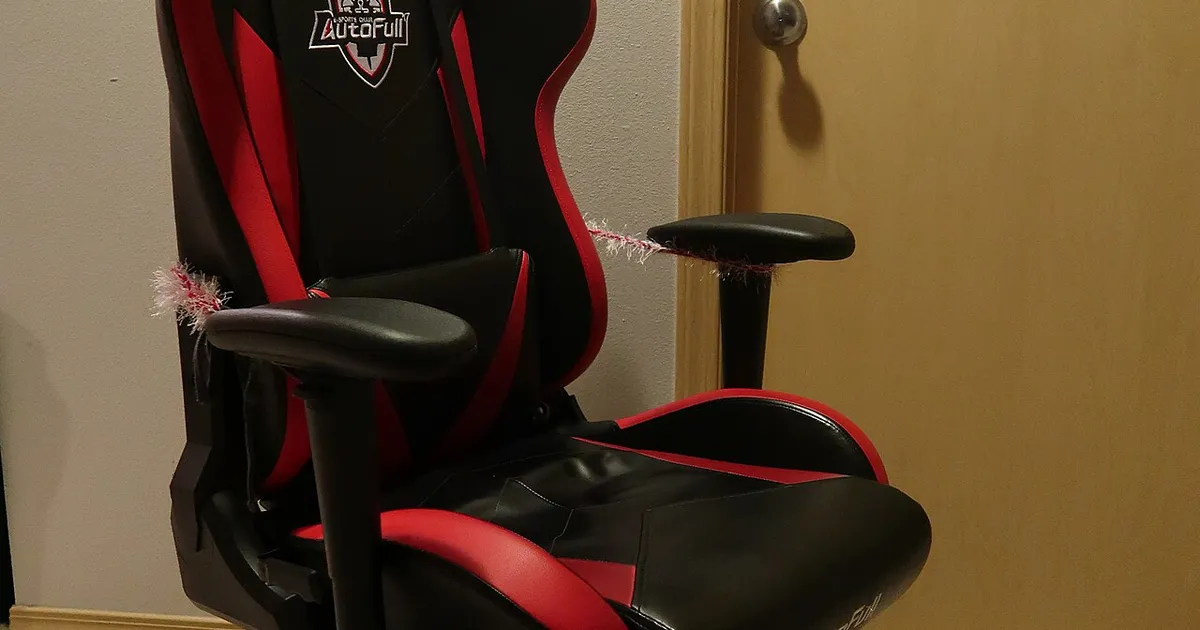
Photo by Ndurliat / Wikimedia Commons / CC BY-SA 4.0
Affiliate links.As an Amazon Associate I earn from qualifying purchases. Links below go to Amazon; prices and availability change, so check Amazon for current pricing.Affiliate disclosure
Racing-style gaming chairs look the part, but many people who sit for long sessions eventually switch to ergonomic office chairs. Office chairs usually offer more adjustment, breathable materials and longer warranties. The four chairs below sit between the two worlds. This guide compares them by their design and listed features; try a chair in person if you can, because fit is personal.
Herman Miller x Logitech G Vantum
The Herman Miller Vantum gaming chair was designed with Logitech G for the forward-leaning posture many people use in competitive games. It has no headrest and offers a more upright, supportive fit than a racing seat. It sits at the premium end, with Herman Miller’s warranty behind it.
Steelcase Series 2
The Steelcase Series 2 office chair is a mainstream ergonomic office chair with adjustable lumbar support and arms. It suits people who use the same chair for work and gaming and want an established office-chair brand without flagship pricing.
Corsair TC500 Luxe
The Corsair TC500 Luxe keeps the gaming-chair look but adds more adjustment, including the seat and lumbar support. It is a good fit if you like the bucket-seat style but want better ergonomics than a basic racing chair.
Razer Fujin Pro
The Razer Fujin Pro is Razer’s mesh chair. Mesh breathes better than PU leather, which helps in warm rooms and over long sessions. It also offers adjustable lumbar support and a range of other adjustments.
What actually matters
- Seat depth: you should fit two or three fingers between the seat edge and the back of your knees.
- Lumbar support: it should sit in the curve of your lower back and adjust up and down.
- Armrests: your arms should rest at desk height with relaxed shoulders. 4D arms make that easier.
- Weight and height range: check the maker’s listed limits against your height and weight.
- Warranty and parts: long warranties and available spare parts (casters, cylinders) make an expensive chair last.
Bottom line
If you sit for hours every day, adjustability and support matter more than looks. Measure your desk height and your own proportions, then choose the chair that fits you rather than the one that matches your RGB.
Our picks: Gaming chairs
Shop on Amazon
Affiliate links.As an Amazon Associate I earn from qualifying purchases. Links below go to Amazon; prices and availability change, so check Amazon for current pricing.Affiliate disclosure
Illustrative photos: Photo by Marchuk17 / Wikimedia Commons / CC BY-SA 4.0; Photo by Ndurliat / Wikimedia Commons / CC BY-SA 4.0