Controllers for PC Action Games and Souls-likes: 8BitDo Ultimate 2, GameSir Cyclone 2, DualSense and Xbox Wireless
Why action games and Souls-likes play better on a controller, and how four popular PC controllers compare on connection, sticks and extra buttons.
Why action games and Souls-likes play better on a controller, and how four popular PC controllers compare on connection, sticks and extra buttons.
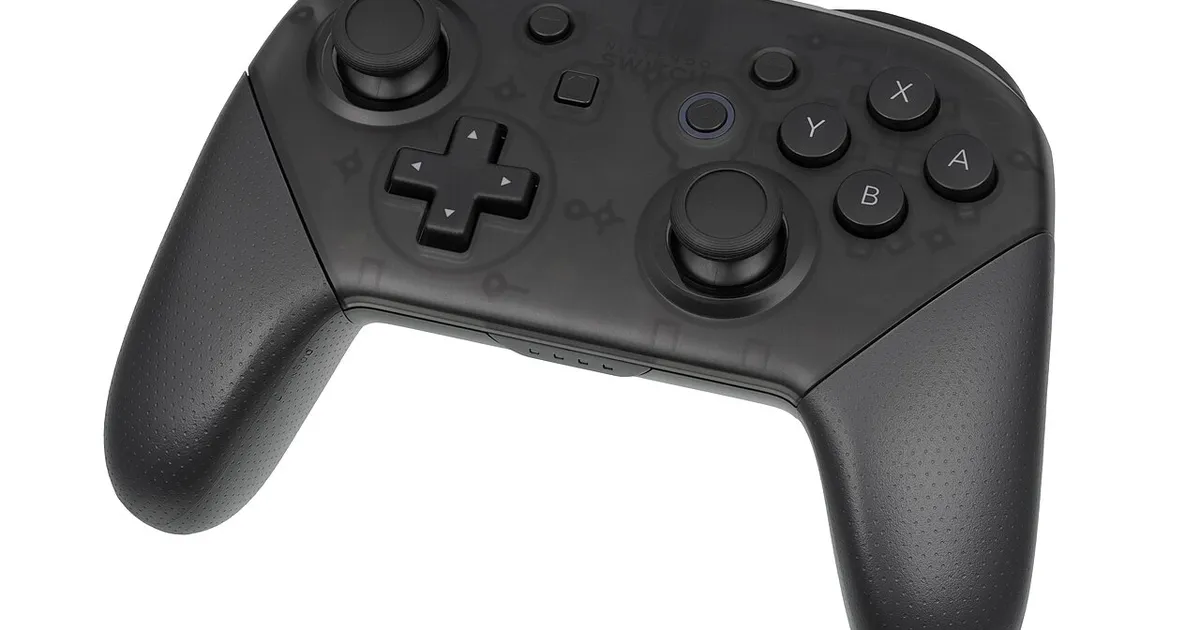
Photo by Evan-Amos / Wikimedia Commons / Public domain
Affiliate links.As an Amazon Associate I earn from qualifying purchases. Links below go to Amazon; prices and availability change, so check Amazon for current pricing.Affiliate disclosure
Many PC games, especially action games, Souls-likes and third-person adventures, are designed around a controller. Analog sticks give smoother camera and movement control than keys, and button prompts are often built for gamepads. These four controllers suit different players.
Xbox Wireless Controller: the default
The Xbox Wireless Controller works with Windows out of the box, and almost every PC game supports it with correct button prompts. It’s the safest choice if you don’t want to configure anything.
PlayStation DualSense: haptics in supported games
The PlayStation DualSense Wireless Controller works on PC through Steam Input and in games with native support. A few PC games support its haptics and adaptive triggers, though in many cases only over a USB cable.
8BitDo Ultimate 2
The 8BitDo Ultimate 2 is a third-party controller with Hall effect sticks, which use magnets rather than physical contact and are designed to resist stick drift. It has extra back buttons and comes with a charging dock. Check which version you buy, as 8BitDo sells versions for different platforms.
GameSir Cyclone 2
The GameSir Cyclone 2 also uses magnetic sticks and has back buttons and adjustable triggers. Back buttons are useful in Souls-likes: you can dodge or heal without taking your thumb off the camera stick.
Setup tips for PC
- Steam Input: in Steam’s controller settings, you can remap buttons per game and fix games with poor controller support.
- Prompts: if a game shows the wrong button prompts, check its settings or use Steam Input’s controller type option.
- Wired for low latency: a wired connection or the controller’s own 2.4GHz dongle usually has less latency than Bluetooth.
Bottom line
Use an Xbox controller for zero setup, a DualSense for haptics in supported games, or a Hall effect controller with back buttons for long-term durability and extra inputs.
Our picks: Controllers & Headsets
Shop on Amazon
Affiliate links.As an Amazon Associate I earn from qualifying purchases. Links below go to Amazon; prices and availability change, so check Amazon for current pricing.Affiliate disclosure
PlayStation DualSense Wireless Controller
Haptics and adaptive triggers on PS5 and PC.
Check price on Amazon

Illustrative photos: Photo by Microsoft / Wikimedia Commons / CC BY-SA 4.0; Photo by Zephyris at English Wikipedia / Wikimedia Commons / CC BY-SA 3.0; Photo by Alex Cochrane / Wikimedia Commons / CC BY-SA 4.0; Photo by Evan-Amos / Wikimedia Commons / Public domain